Ask questions of your data without writing formulas
A spreadsheet answers questions you can already phrase as a formula. Most questions do not arrive that way. They arrive as “which products are we losing money on?” and “is the west growing faster than the east?”.
How to do it
- Open a card with a table in it and press Ask.
- Type the question the way you would say it out loud.
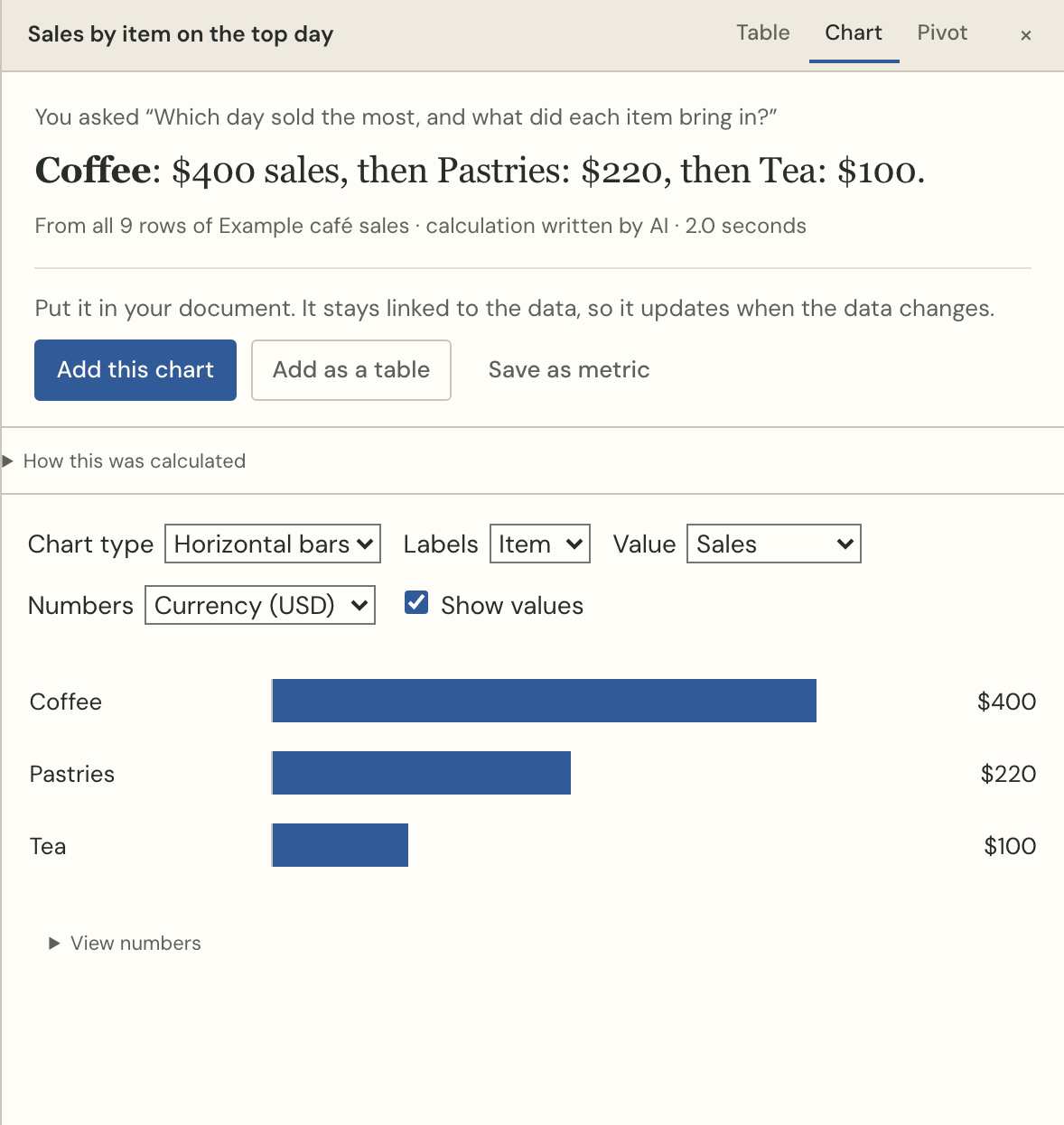
- The answer arrives as a sentence, a chart of the right shape, and the rows underneath.
- Press Add this chart or Add the number to put it in your writing.
How to check it
Every answer shows the calculation it ran, how many rows it read, and whether a built-in calculation or the AI wrote it. Open How this was calculated and you see the query itself. An answer you cannot check is a rumour, and a report full of rumours is worse than no report.
Questions that need a column you do not have are refused in words — “the table has no salesperson column” — rather than answered with a different column that happens to exist.
Asking well
- Name the thing you want measured: “total revenue by month”, not “how are we doing”.
- Ask for what you want to see: “top 3 products by revenue” gives three rows.
- “What does this data tell me?” is answered from the rows without using AI at all: it lists what stands out, with a calculation behind each one.
- Time questions understand your data's own dates: “last month” means the last month in the table, not the calendar.
Try it with your own numbers
Paste a table, ask a question, and put the answer in a sentence. Free to start, no account needed.